
Links & Redirects
ShadowMap tracks external links and redirect chains discovered across your web applications, identifying potentially risky outbound connections, open redirects, and broken link vulnerabilities.
Overview
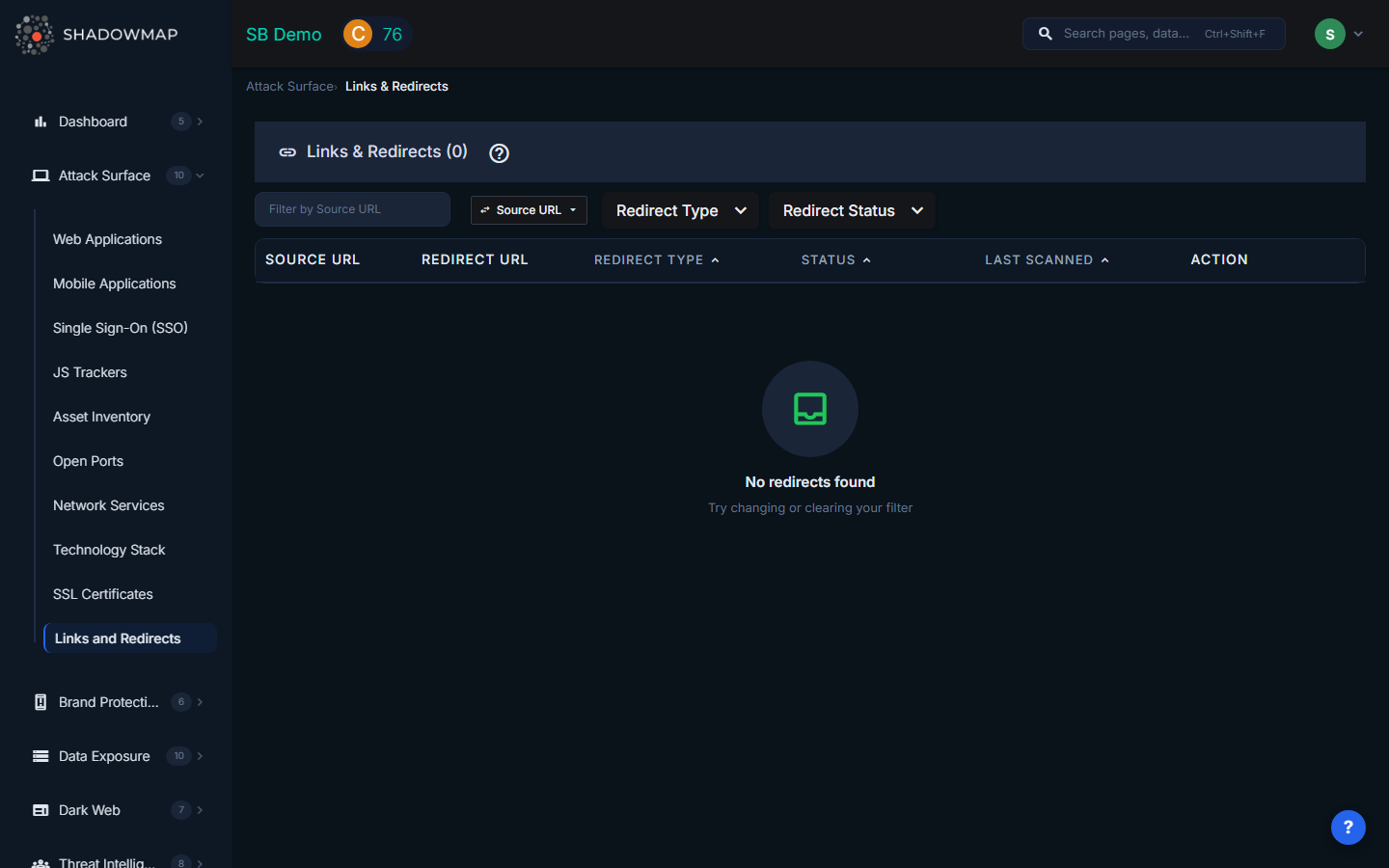
The Links & Redirects view presents a sortable, filterable table of all redirect behaviors detected during ShadowMap's web crawling. Each row represents a source URL on your domain that redirects to another URL, classified by type and risk status.
Table Columns
| Column | Description |
|---|---|
| Source URL | The original URL on your domain that initiates the redirect. Displayed in a monospace code block for readability. |
| Redirect URL | The destination URL where the user is sent. Also displayed in monospace for easy comparison with the source. |
| Redirect Type | Whether the redirect points to an Internal (same organization) or External (third-party) destination. Internal redirects show a swap icon; external redirects show an external link icon. Sortable. |
| Status | The risk classification of the redirect: Safe, Suspicious, or Malicious. Color-coded for quick visual scanning. Sortable. |
| Last Scanned | When ShadowMap last checked this redirect, displayed as a human-readable date. Sortable. |
| Action | "View Application" button linking directly to the source web application's detail view (disabled if the application is no longer tracked). |
Redirect Types
| Type | Description |
|---|---|
| Internal | Redirects where the destination URL belongs to the same organization. These typically represent legitimate URL restructuring, vanity URLs, or HTTP-to-HTTPS upgrades. |
| External | Redirects where the destination URL points to a third-party domain. These require closer scrutiny because they send your users' traffic to infrastructure you do not control. |
Risk Statuses
| Status | Indicator | Meaning |
|---|---|---|
| Safe | Green | The redirect has been analyzed and does not present known risks. The destination is a legitimate, expected endpoint. |
| Suspicious | Yellow | The redirect exhibits characteristics that warrant investigation. This may include redirects to recently registered domains, domains with low reputation scores, or unusual redirect chains. |
| Malicious | Red | The redirect points to a known-malicious destination, is part of a phishing campaign, or exhibits behavior consistent with exploitation (e.g., open redirect abuse). |
Filters
The filter bar supports:
- Search by Column -- Free-text search with a column selector. You can search by Source URL or Redirect URL, toggling between them via a dropdown. This is useful when investigating a specific domain or URL pattern.
- Redirect Type -- Filter to show only Internal or External redirects.
- Redirect Status -- Multi-select filter for Safe, Suspicious, and/or Malicious statuses.
- Sort -- Click any sortable column header (Redirect Type, Status, Last Scanned) to sort ascending or descending. The active sort column is highlighted in blue.
Security Risks
Open Redirects
Open redirects on your domains are a favorite tool for phishing campaigns. An attacker can craft a URL that starts on your legitimate domain (yourcompany.com/redirect?url=evil.com) and redirects the victim to a malicious site. Because the initial URL shows your trusted domain, users and email security filters are more likely to trust it. Open redirects are listed in the OWASP Top 10 and CWE-601.
Broken Links and Expired Domains
When a redirect points to a domain that has expired, an attacker can re-register that domain and serve malicious content to your users. This is a form of subdomain takeover applied to redirect targets. ShadowMap flags redirects pointing to domains that no longer resolve or return errors.
Third-Party Dependencies
External redirects create implicit trust relationships with third-party services. If a third-party service you redirect to is compromised, your users are exposed. Common examples include:
- Link shorteners (bit.ly, t.co) that could be compromised or abused.
- Marketing platforms and landing page builders.
- Partner or affiliate sites with lower security standards.
- Legacy integrations with services that have changed ownership.
Redirect Chains
Long redirect chains (A redirects to B, B redirects to C, C redirects to D) increase latency and obscure the final destination, making it harder to audit where users ultimately end up. They also increase the blast radius of a single compromised link in the chain.
Key Investigations
| Investigation | How |
|---|---|
| Open redirect audit | Filter by External type and review source URLs with query parameters. Look for patterns like ?url=, ?redirect=, ?next=, ?return_to=. |
| Broken link detection | Sort by Last Scanned (oldest first) to find redirects that may point to decommissioned destinations. |
| Third-party dependency mapping | Filter by External type to see all third-party services your web properties redirect to. Cross-reference with your approved vendor list. |
| Incident response | When a partner or third-party service is compromised, search by Redirect URL to identify which of your pages send traffic to the affected domain. |
Related
- Web Applications -- The source applications where redirects are found
- JS Trackers -- Another category of third-party dependencies on your web properties
- Domains -- Manage the domains ShadowMap monitors for redirects
- Attack Surface Overview -- How ShadowMap discovers and monitors your external assets