
Fake Applications
ShadowMap monitors mobile app stores for applications that impersonate your brand -- counterfeit apps that use your name, logo, or branding to deceive users into downloading malware, surrendering credentials, or engaging with fraudulent services. This module surfaces these threats so your team can investigate and request takedowns before users are harmed.
Overview
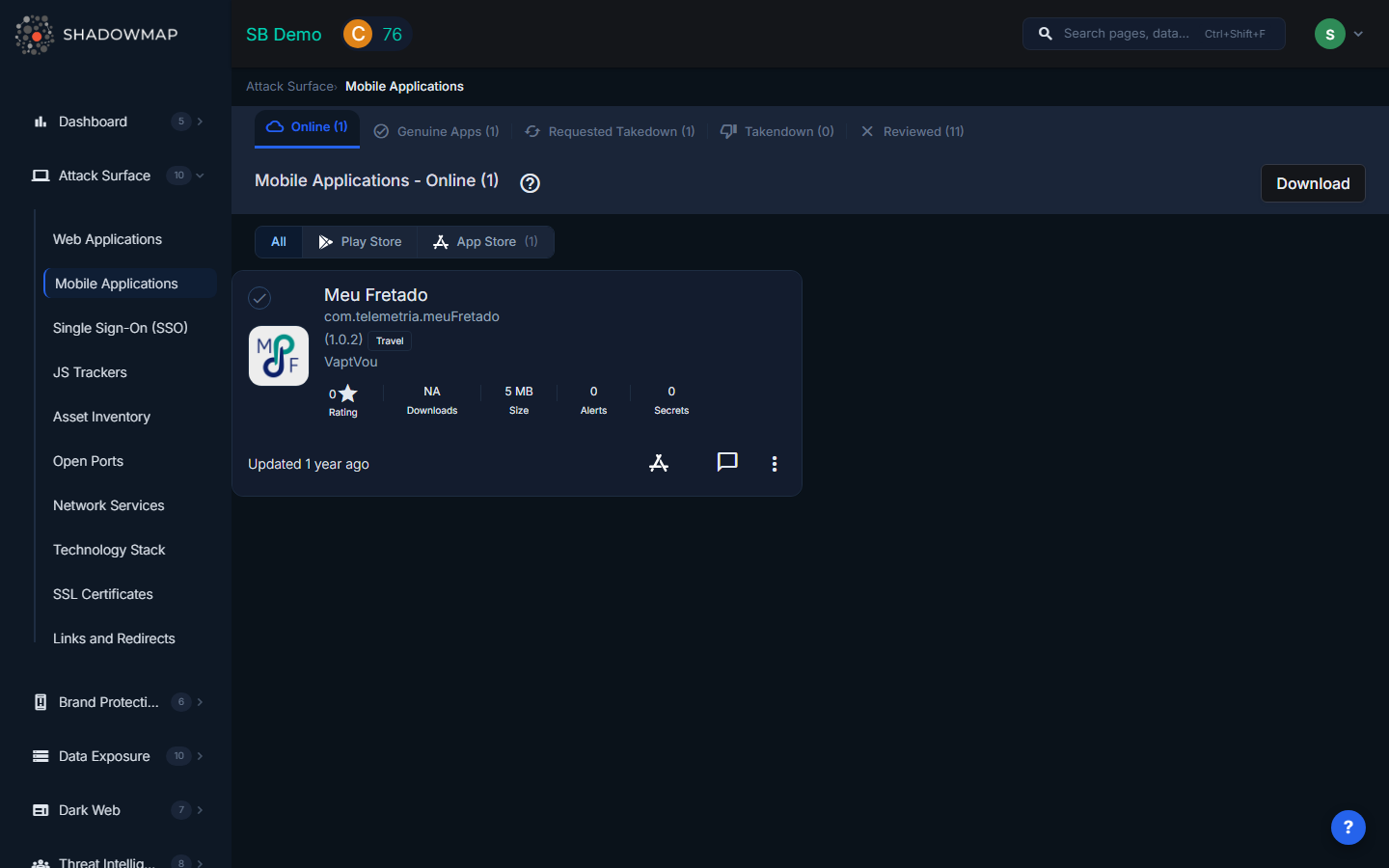
Store Tabs
The page is organized into two tabs, one for each major app store:
| Tab | Description |
|---|---|
| Play Store | Fake applications found on Google Play Store, with count |
| App Store | Fake applications found on Apple App Store, with count |
Each tab displays its own list of detected counterfeit applications. The tab labels include a count of detected apps per store (e.g., "Play Store (3)").
Data Per Application
Each fake application is displayed as a card with the following information:
| Field | Description |
|---|---|
| Title | The name of the suspicious application as listed in the app store |
| Store | Google Play Store or Apple App Store |
| Publisher | The developer account that published the application |
| Icon | The application's store icon |
| Description | The app's description as listed in the store |
| Downloads | Estimated download count (for Play Store apps) |
| Rating | User rating from the store |
| Risk Level | ShadowMap's assessment of the threat level based on brand similarity and behavioral signals |
Takedown Workflow
The fake applications module integrates with ShadowMap's takedown system:
- Detection -- ShadowMap's scanners identify apps using your brand keywords, logos, or name variations
- Review -- Your team reviews each flagged app to confirm it is not a legitimate partner or subsidiary product
- Request Takedown -- Initiate a takedown request directly from the app card. ShadowMap will generate and send the appropriate abuse report to Google or Apple
- Track Progress -- Monitor takedown status from the Takedown Requests dashboard
Actions
- Request Takedown -- Send a takedown/abuse report to the app store
- Comment -- Add internal notes documenting your investigation
- Export -- Download the full list of fake applications in Excel format for reporting or compliance records
What ShadowMap Monitors
ShadowMap detects fake applications through:
- Brand keyword matching -- Searching app store listings for your brand name and variations
- Logo and icon similarity -- Visual analysis comparing app icons against your official brand assets
- Developer account profiling -- Flagging apps from unrecognized developer accounts using your brand name
- Behavioral signals -- Identifying apps with suspicious permission requests or data collection practices that suggest malicious intent
Why Fake Apps Matter
Counterfeit applications pose several serious risks:
- Credential theft -- Fake apps mimicking your login screens can harvest user credentials
- Malware distribution -- Attackers use brand trust to distribute trojans, spyware, or ransomware
- Data exfiltration -- Fake apps may request excessive permissions to steal contacts, messages, or files
- Reputation damage -- Poor-quality or malicious apps using your name erode customer trust
- Revenue loss -- Counterfeit apps may divert customers to competing or fraudulent services
Recommended Workflow
- Review both store tabs -- check Play Store and App Store separately
- Verify each flagged app -- confirm it is not a legitimate product from your organization or an authorized partner
- Prioritize by downloads -- apps with higher download counts pose greater immediate risk
- Request takedowns immediately for confirmed fakes -- app store review processes can take days to weeks
- Monitor for re-uploads -- attackers frequently re-publish removed apps under new developer accounts
- Document findings using comments for audit trail and team coordination
Distinguishing Fake from Legitimate
When reviewing flagged applications, consider:
- Does your organization have an official app on this store? Compare publisher names
- Is the developer account associated with your company or a known partner?
- Does the app description contain broken English, copied text, or suspicious claims?
- Are the permissions requested consistent with the app's stated purpose?
- Is the app icon an exact copy or a modified version of your official icon?
Related
- Mobile Applications -- Your organization's known legitimate mobile apps
- Brand Protection Overview
- Takedown Requests