
Single Sign-On (SSO)
ShadowMap detects Single Sign-On provider configurations across your web applications, identifying which identity providers and authentication protocols are in use and surfacing potential misconfigurations or shadow IT dependencies.
Overview
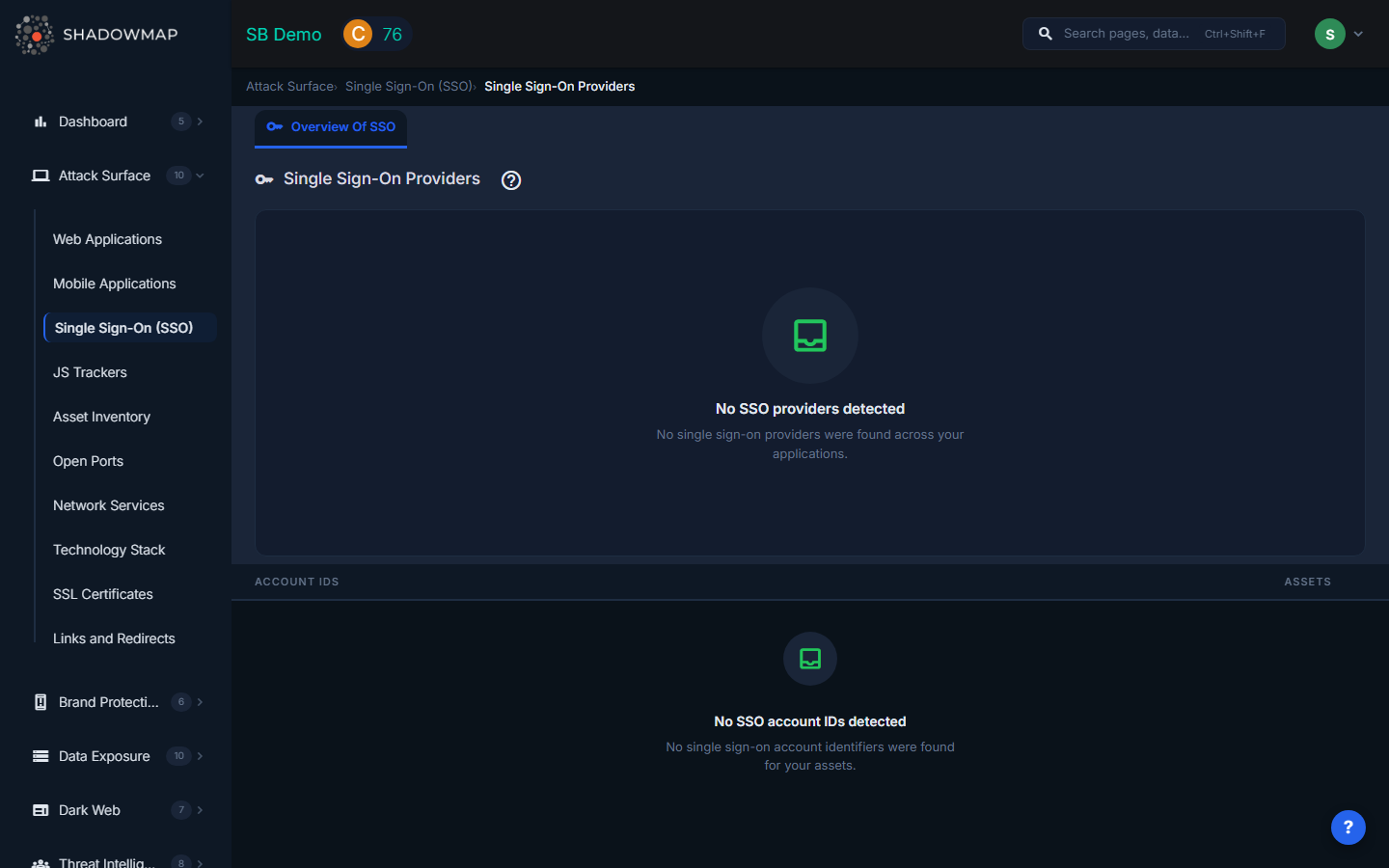
The SSO view provides a grouped card layout similar to JS Trackers. A bar chart at the top visualizes the distribution of SSO providers by usage count, and below it a grouped list shows each provider with its associated account IDs and asset counts. ShadowMap detects SSO endpoints including OAuth, OpenID Connect (OIDC), SAML, and other authentication protocols.
Why SSO Monitoring Matters
Deprecated Provider Risk
Organizations frequently change identity providers over time -- migrating from on-premise ADFS to Azure AD, or switching from one IdP to another. When old SSO endpoints are not decommissioned, they remain functional authentication paths that bypass current security policies (MFA requirements, conditional access rules, session timeouts). An attacker who discovers a deprecated login endpoint can potentially authenticate without triggering modern security controls.
Shadow IT Discovery
SSO configurations are a reliable signal of which third-party SaaS services your organization uses. When ShadowMap detects a Google Workspace login button on an internal tool, or an Okta integration on a marketing microsite, it reveals services that may not be in your official SaaS inventory. This is valuable for:
- License management -- Identify unused or duplicate SaaS subscriptions.
- Security review -- Ensure all SaaS integrations have been vetted by your security team.
- Offboarding coverage -- Know which services need credential revocation when employees leave.
Account Takeover Prevention
Exposed SSO endpoints can be targeted for credential stuffing, especially if they do not enforce rate limiting or multi-factor authentication. Identifying all authentication endpoints across your attack surface is a prerequisite for ensuring consistent protection.
Compliance Requirements
Standards like SOC 2, ISO 27001, and NIST 800-53 require organizations to maintain an inventory of authentication mechanisms. The SSO view provides this inventory automatically, updated continuously.
Understanding the Data
Bar Chart
The chart at the top provides a visual overview of SSO provider distribution. Click any bar to filter the table below to show only that provider's data.
Provider Level (Group Header)
| Field | Description |
|---|---|
| Provider Icon | Favicon of the SSO provider. |
| Provider Name | The identity provider name (e.g., Google, Azure AD, Okta, Auth0, OneLogin). Clicking the header opens Web Applications filtered to show all applications using that provider. |
| Assets | Total number of web applications where this SSO provider was detected. |
Account ID Level (Child Rows)
| Field | Description |
|---|---|
| Account ID | The specific client ID, tenant ID, or configuration identifier found in the SSO integration. Clicking opens Web Applications filtered to that specific account. |
| Assets | Number of web applications using this specific account configuration. |
Key Investigations
| Investigation | How |
|---|---|
| Provider inventory | Review the complete list of SSO providers. Any provider your IT team does not recognize indicates shadow IT. |
| Deprecated endpoint detection | Cross-reference the detected providers against your current identity strategy. Providers that should have been decommissioned require immediate investigation. |
| Configuration consistency | Multiple account IDs for the same provider (e.g., multiple Azure AD tenant IDs) may indicate fragmented identity management across business units. |
| Coverage gap analysis | Applications that do NOT appear in any SSO provider's asset list may be using local authentication without centralized identity controls. |
| Merger and acquisition due diligence | During M&A, the SSO view reveals the acquired organization's identity provider landscape before integration begins. |
Drill-Down to Web Applications
Both the provider header and individual account ID rows are clickable. Clicking either opens the Web Applications view pre-filtered to show only applications that use that SSO provider or specific account configuration. This lets you quickly identify which applications depend on a given identity provider.
Related
- Web Applications -- View applications where SSO providers are detected
- JS Trackers -- Another category of third-party integrations on your web properties
- Members -- Manage user accounts and roles within ShadowMap
- Integrations -- Configure platform integrations including identity providers