
Social Media Monitoring
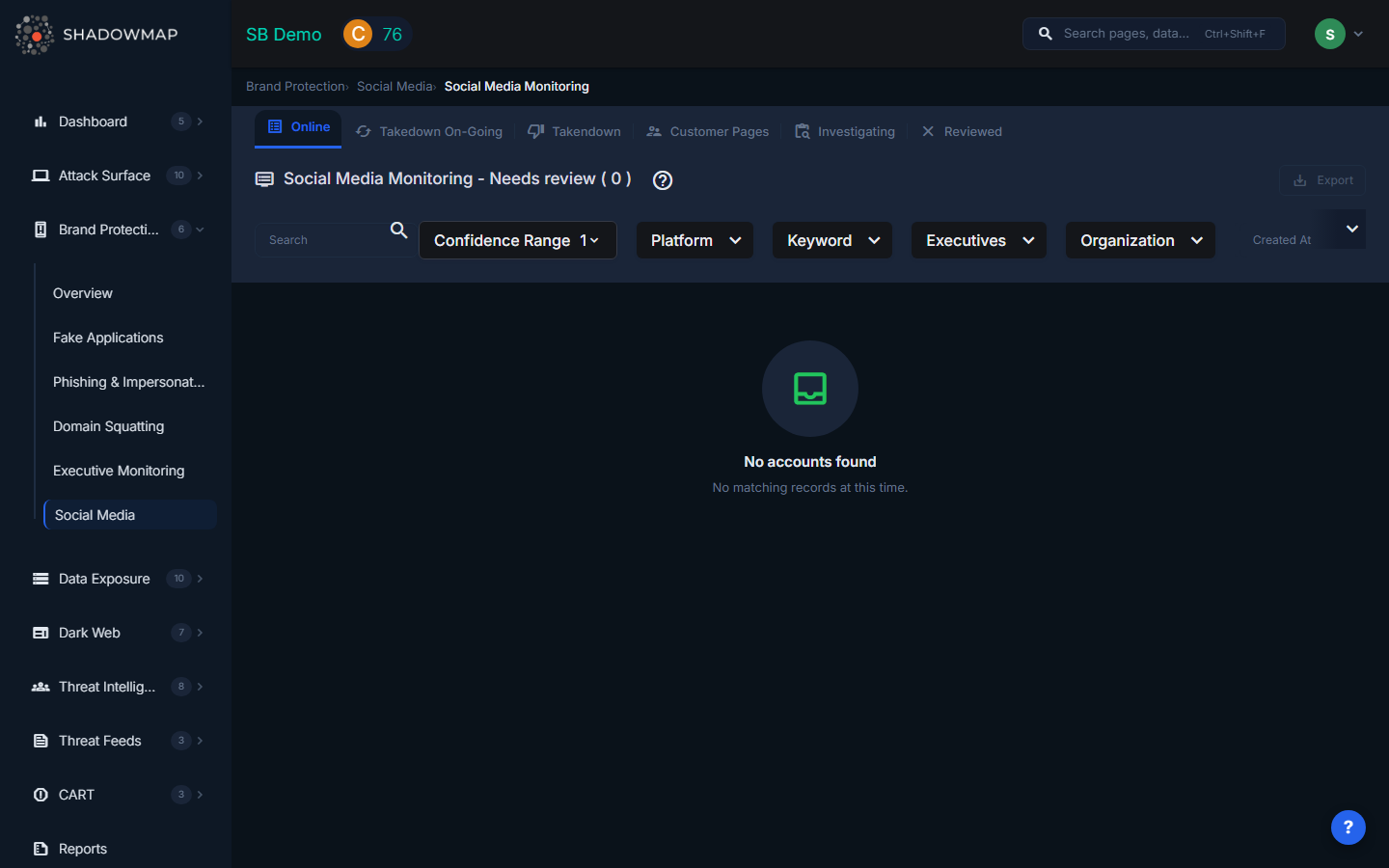
ShadowMap monitors major social media platforms for fake accounts, impersonation profiles, and unauthorized use of your brand. Social media impersonation is a growing vector for phishing, fraud, and reputation damage -- this module gives your team the ability to detect, investigate, and take down fraudulent accounts across all major platforms.
Overview
Monitored Platforms
ShadowMap scans the following platforms for brand impersonation:
| Platform | What Is Detected |
|---|---|
| Pages and profiles using your brand name, logo, or executive identities | |
| Twitter / X | Accounts impersonating your brand or employees |
| Profiles using your brand imagery or name variations | |
| TikTok | Accounts leveraging your brand for fake promotions or scams |
| YouTube | Channels impersonating your brand or re-uploading your content |
| Telegram | Groups or channels fraudulently using your brand identity |
Each platform icon is displayed next to the account for quick visual identification.
Data Per Account
Each social media finding is displayed as a card with the following information:
| Field | Description |
|---|---|
| Account Name | Display name of the detected account |
| Account Handle | The account's username or URL |
| Profile Image | The account's profile picture |
| Description | The account's bio or description text |
| Platform | Which social media platform (shown as platform icon) |
| Followers / Subscribers | Follower count (shown as "Followers" for most platforms, "Subscribers" for YouTube) |
| Confidence Score | Numerical risk score indicating likelihood of impersonation |
| Keyword | The brand keyword that triggered the detection |
| Executive | If linked to a monitored executive, the executive's name is shown |
| Organization Tags | Detected organizations associated with the account |
| First Seen | When ShadowMap first detected this account (relative time) |
Status Tabs
Findings are organized into workflow tabs:
| Tab | Description |
|---|---|
| Online | Accounts currently active and potentially impersonating your brand (default landing tab) |
| Takedown On-Going | Accounts for which a takedown request has been submitted to the platform |
| Takendown | Accounts that have been successfully removed by the platform |
| Customer Pages | Accounts confirmed as owned by your organization (marked "Owned By Us") |
| Investigating | Accounts under active investigation by your team |
| Reviewed | Accounts investigated and marked as false positives or non-threats |
Actions
Single-Item Actions (via three-dot menu on each card)
- Owned By Us -- Mark as a legitimate account belonging to your organization. This moves the account to the "Customer Pages" tab and prevents it from being flagged in future scans
- Mark as Investigating -- Place under active investigation (available from Online tab)
- Mark as Reviewed -- Dismiss as a false positive after investigation
- Request Takedown -- Initiate a takedown request to the social media platform
Bulk Actions (multi-select)
Select multiple accounts using checkboxes and use the action bar:
- Owned By Us -- Bulk-mark selected accounts as legitimate
- Mark As Investigating -- Bulk-move to investigation status (from Online tab)
- Mark As Reviewed -- Bulk-dismiss as false positives
- Mark As Online -- Bulk-move back to Online status (from Reviewed tab)
Additional Features
- Export -- Download all findings in Excel format with applied filters
- Search Filters -- Filter by platform, keyword, status, risk score, executive, and other fields using ShadowMap's Filter Query Parser (FQP)
- Comments -- Add internal notes to any social media finding for team collaboration
- Account Details Modal -- Click any card to view the full account details in a modal overlay
- Total Count -- The header displays the total number of findings matching current filters
How Detection Works
ShadowMap detects social media impersonation through:
- Brand keyword monitoring -- Searching platform APIs and public listings for your brand name and variations
- Executive name matching -- Cross-referencing social profiles against your monitored executives list
- Visual similarity -- Comparing profile images and cover photos against your official brand assets
- Content analysis -- Analyzing posts and descriptions for brand-related content from unauthorized accounts
- Network analysis -- Identifying clusters of fake accounts that share infrastructure or behavioral patterns
Typical Scenarios
Scenario 1: Fake Customer Support Account
An attacker creates a Twitter account named "@YourBrand_Support" and responds to customer complaints, directing them to a phishing site. Detection keyword: your brand name. Action: Request Takedown immediately.
Scenario 2: Executive Impersonation on LinkedIn
A fake LinkedIn profile impersonates your CEO, connecting with employees and partners to gather intelligence or request wire transfers. Detected via Executive Monitoring integration. Action: Mark as Investigating, notify the executive, then Request Takedown.
Scenario 3: Fraudulent Facebook Page
A Facebook page uses your logo and company name to sell counterfeit products. High follower count amplifies brand damage. Action: Request Takedown, document with comments, export evidence.
Scenario 4: Legitimate Partner Account
A marketing partner creates an authorized co-branded Instagram account. Flagged by keyword match. Action: Mark as "Owned By Us" to prevent future false alerts.
Recommended Workflow
- Start with the Online tab -- review newly detected accounts
- Prioritize by follower count -- accounts with more followers cause more damage
- Check the Executive field -- impersonation of named executives requires immediate escalation
- Click through to account details for deeper investigation
- Mark legitimate accounts as "Owned By Us" immediately to reduce noise
- Request takedowns for confirmed impersonation accounts
- Move uncertain cases to Investigating while gathering more information
- Review the Takedown On-Going tab weekly to follow up on pending requests
Related
- Executive Monitoring -- Social media findings linked to monitored executives
- Brand Protection Overview
- Takedown Requests -- Track all takedown requests across modules
- Phishing & Impersonations -- Social media campaigns often link to phishing sites