
Leaked APIs
ShadowMap detects exposed API endpoints, keys, and authentication tokens belonging to your organization that are publicly accessible or have been found in public sources. This module identifies APIs that may be unintentionally exposed, lacking proper authentication, or referenced in public code and documentation.
Overview
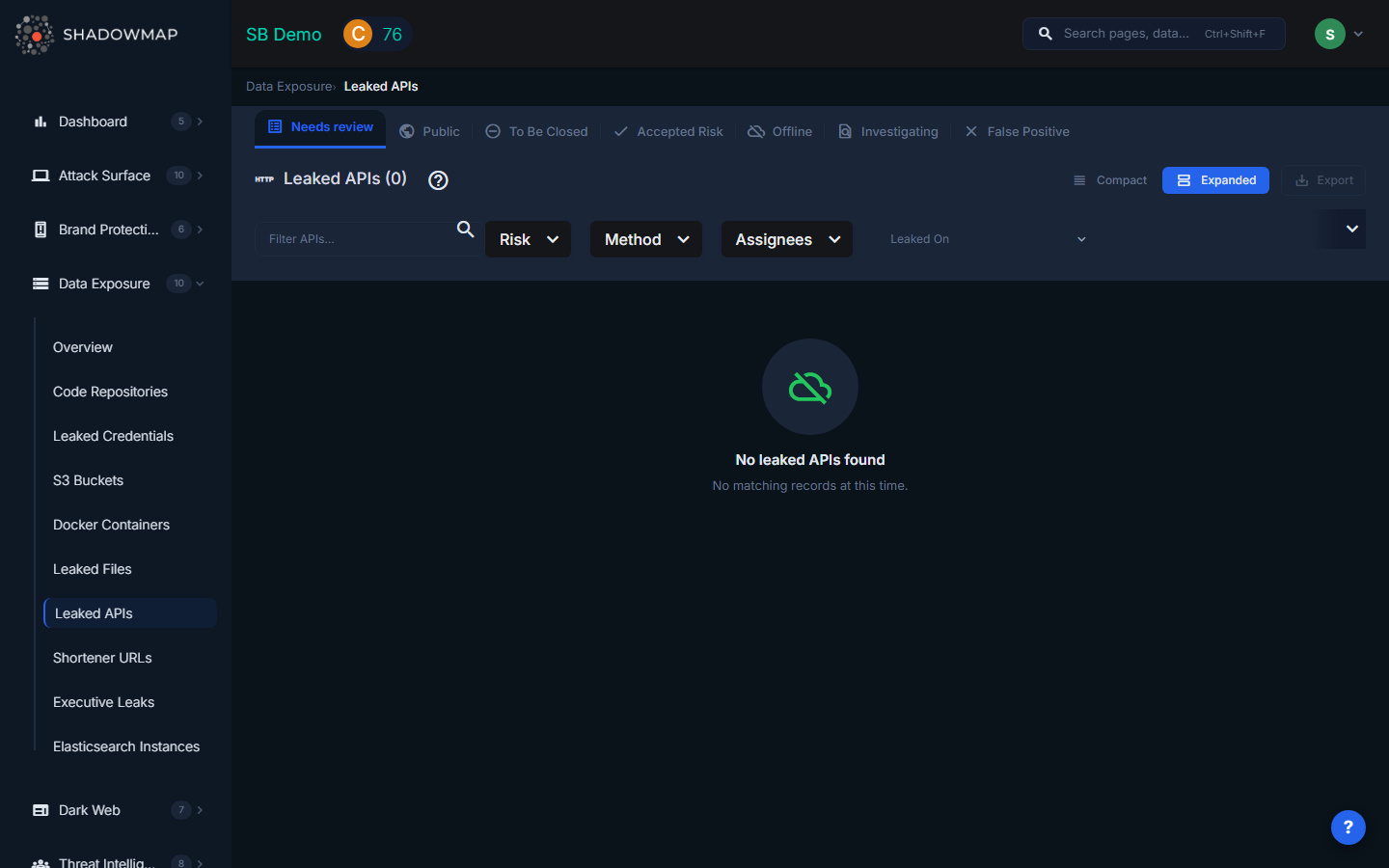
The listing page displays API findings in a sortable, expandable list. Each row can be expanded to reveal additional details. Results support bulk selection for batch operations. A severity dot summary in the header provides an at-a-glance count of findings by risk level.
Understanding the Data
| Column | Description |
|---|---|
| Risk | Severity level based on the API's exposure and sensitivity: Critical (authentication endpoints exposed), High (internal APIs publicly reachable), Medium (development/staging APIs), Low (non-sensitive public APIs) |
| API Subdomain / Endpoint | The full URL of the exposed API endpoint, including the subdomain and path |
| Method | The HTTP method observed or documented: GET, POST, PUT, DELETE, or PATCH |
| Response Status | The current response status or workflow state of the finding |
| Keyword | The search keyword that matched this API to your organization |
| Assignee | Team member assigned to investigate this finding |
| Last Seen | When ShadowMap last verified the API's accessibility |
| Source | Where the API exposure was discovered |
HTTP Methods Tracked
| Method | Typical Risk |
|---|---|
| GET | Data retrieval -- exposed GET endpoints may leak data to unauthenticated users |
| POST | Data submission -- exposed POST endpoints may allow unauthorized data creation or manipulation |
| PUT | Data update -- exposed PUT endpoints may allow unauthorized modification of records |
| DELETE | Data deletion -- exposed DELETE endpoints can enable destructive actions |
| PATCH | Partial update -- similar risks to PUT but for partial resource modifications |
POST, PUT, DELETE, and PATCH endpoints that are publicly accessible without authentication represent the highest risk, as they allow write operations.
Response Statuses
API findings follow a response workflow managed through status changes:
- Online -- The API endpoint is confirmed publicly accessible
- Investigating -- Under active investigation
- False Positive -- Confirmed as not a risk (e.g., intentionally public API)
- Takendown -- The API has been secured or taken offline
Filtering and Search
The filter bar provides:
- Text search -- Filter by API URL, subdomain, or keyword
- Risk -- Multi-select: Critical, High, Medium, Low, Informational
- Method -- Multi-select: GET, POST, PUT, DELETE, PATCH
- Assignees -- Filter by assigned team member
- Date range -- Filter by when the API was last seen ("Leaked On")
Active filters appear as removable pills below the filter bar, with a "Clear All" option. All columns support sorting in ascending and descending order.
Available Actions
Individual Actions
| Action | Description |
|---|---|
| Change Response Status | Update the finding's status (Online, Investigating, False Positive, Takendown) |
| Remove Response Status | Clear the current response status |
| Assign | Assign the finding to a specific team member |
| Clear Assignee | Remove the current assignee |
| Comment | Add internal notes to the finding |
| Share via Integration | Push to connected integrations (ServiceNow, Jira, Slack, etc.) |
| Export | Download all API findings in the current filtered view |
Bulk Actions
Select multiple APIs using checkboxes to:
- Bulk change response status -- Apply the same status to multiple findings at once
- Bulk remove response status -- Clear status on multiple findings
- Bulk assign to a team member
- Bulk clear assignee
- Bulk share via integrations
What Gets Detected
ShadowMap identifies exposed APIs through multiple detection methods:
- Public code scanning -- API keys and endpoint URLs found in GitHub, GitLab, and other public repositories
- Documentation scraping -- API documentation (Swagger/OpenAPI specs) found on public-facing servers
- Subdomain enumeration -- API subdomains (api.example.com, api-staging.example.com) discovered through DNS enumeration
- Active probing -- Verification that discovered endpoints are actually responding and accessible
Common findings include:
- Internal APIs exposed to the internet without authentication
- Staging/development API endpoints accessible in production
- API keys embedded in client-side JavaScript bundles
- Swagger/OpenAPI documentation exposing all available endpoints
- GraphQL introspection endpoints revealing the full API schema
Response Guidance
- Verify the API's purpose. Determine whether the API is intentionally public (e.g., a documented customer-facing API) or accidentally exposed (e.g., an internal microservice endpoint).
- Add authentication. If the API should not be public, implement authentication immediately. At minimum, add API key validation; for sensitive endpoints, use OAuth 2.0 or mutual TLS.
- Restrict network access. Use firewall rules, security groups, or API gateway policies to limit which IP ranges can reach internal APIs.
- Rotate exposed API keys. If API keys were found in public code, rotate them immediately and implement proper secret management.
- Disable unnecessary methods. If a public API only needs to support GET requests, explicitly block POST, PUT, DELETE, and PATCH at the API gateway level.
- Review API rate limiting. Publicly exposed APIs without rate limits are vulnerable to abuse and data scraping.
- Remove public documentation for internal APIs. Swagger UI and OpenAPI spec endpoints should not be accessible on internal services.