
WHOIS Lookup
WHOIS Lookup is an on-demand domain-intelligence view. Point it at any domain (or IP) and it returns the registration record ShadowMap has on file — registrar, registrant, name servers, key dates, expiry health — plus the complete raw registry text and the parsed JSON behind it. When more than one record exists for the same name, you get a chronological history, so you can see how a registration changed over time.
Overview
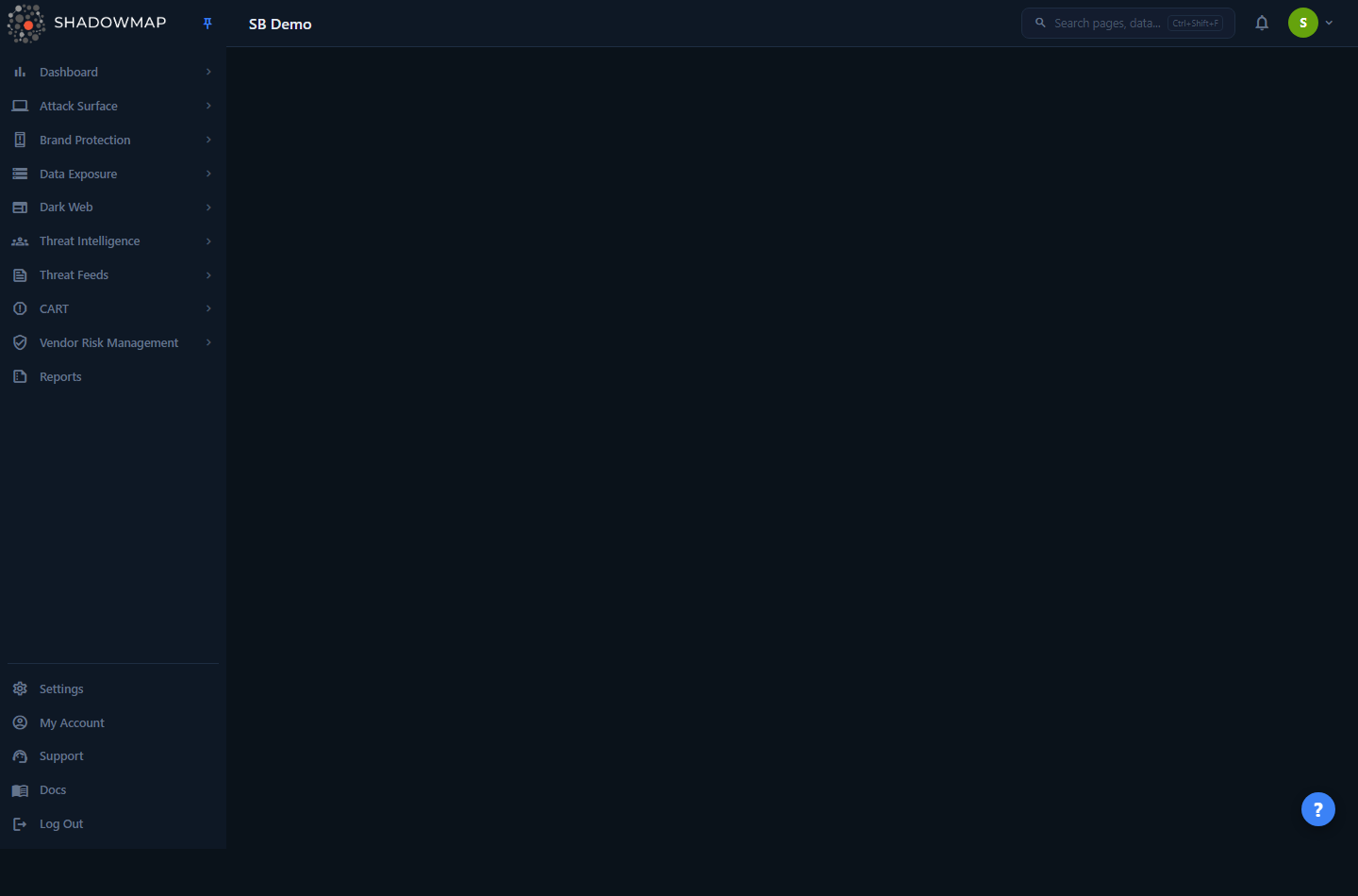
The WHOIS view loads empty until you give it a query. It renders a report only when you arrive with a ?domain= or ?ip= parameter in the URL — for example by pivoting from another module or searching for a domain in the command palette.
WHOIS Lookup is not a list you browse. It is a single-target report page driven entirely by the URL query string:
/whois?domain=example.comreturns the registration report for that domain./whois?ip=198.51.100.10returns the report keyed on that IP value.- You can supply both at once; the page renders a separate section for each.
For each target, you see a stack of collapsible records. The newest record (by last-updated date) is labelled Current and expanded by default; any older records for the same name are labelled Past and collapsed. A coloured dot on each record header tells you the expiry status at a glance (green, amber, red, or a neutral "Unverified" — see below). Inside every record are three tabs — WHOIS (the human-readable summary), RAW (the verbatim registry response), and JSON (the parsed, structured record).
If ShadowMap has no record for the target you queried, the page shows a "No domain report available" / "No ip report available" empty state instead.
How it works
The mechanics here are not obvious from the screen, so they are worth spelling out.
The lookup is keyed on an exact string match. Whether you pass ?domain= or ?ip=, the backend runs the same query against the stored domain_whois data and matches the column exactly — there is no fuzzy match, no wildcard, and no stripping of www. or sub-domains. example.com and www.example.com are different keys. If you query something ShadowMap has never collected WHOIS for, you get the empty state, not a live registry call.
This reads from ShadowMap's collected data, not a live WHOIS socket. The report reflects what ShadowMap captured for that domain during its scans of your attack surface — it is registration intelligence on assets already in your inventory, not an arbitrary internet-wide WHOIS proxy. That is why the most useful way to reach this page is by pivoting from a domain, subdomain, application, or alert that ShadowMap already tracks.
Multiple records form a history. All records for the same key are returned, sorted by last-updated date, newest first. The first record is rendered as Current; everything after it is Past. This is how you can spot a registrar transfer, a renewal that pushed out the expiry date, a name-server change, or a registrant detail that changed between captures.
Expiry health is computed at request time. For each record, ShadowMap parses the expiry date and compares it to "now":
- More than 30 days remaining → green dot, "Valid", and the expiry date shown in green.
- 30 days or fewer remaining → amber dot, "less than 30 days left to expire", expiry date in amber.
- Already past → red dot, "Expired", expiry date in red.
- Expiring or expired, but on a stale record → neutral dot, "Unverified", with the expiry date shown in a muted colour (see below).
A stale record never raises an alarm. The amber and red states above are alarming claims, and ShadowMap only trusts them on a record it has re-checked recently. If a record's expiry date falls within 30 days or is already past but the underlying WHOIS record hasn't been re-fetched in a while — or the last refresh attempt didn't actually retrieve a fresh record — the dot is downgraded to a neutral "Unverified" state instead of amber or red, and the expiry countdown reads "Unverified". Hovering the dot explains why: "Registration data for this domain has not been re-checked recently, so its expiry status cannot be confirmed." A "Valid" record (more than 30 days out) is never downgraded this way — domain expiry only ever moves forward, so a stale "Valid" is still valid. This keeps WHOIS Lookup in step with your Domains inventory, which applies the same freshness gate: you won't see a domain flagged "Expired" here while it reads "Unverified" there.
The dates on the WHOIS tab are also humanised — alongside each absolute date you'll see a relative form (for example "registered 12 years ago", or an expiry countdown like "1 year 2 months 3 weeks left").
The three tabs are three views of the same record. The WHOIS tab is a curated summary of the most-used fields. The RAW tab is the verbatim text the registry returned — useful when the summary doesn't surface a field you need (status flags, abuse contacts, DNSSEC, reseller, etc.). The JSON tab is the parsed structure ShadowMap derived from that raw text; if parsing wasn't available for a record, the JSON tab shows "Not Available". Nothing on this page is editable — it is a read-only intelligence view.
Where this data feeds elsewhere
The same parsed WHOIS record (registrar, registrant, creation/expiry dates, domain-lock status, redaction flags) is what powers registration columns and infrastructure pivots in modules like Domain Squatting and your Domains inventory. WHOIS Lookup is the unfiltered, single-target view of that underlying data.
Understanding the data
Record header
Each collapsible record header carries three signals before you even open it.
| Element | Meaning |
|---|---|
| Expiry dot | Green = valid (>30 days), amber = expiring soon (≤30 days), red = expired, neutral = "Unverified" (an expiring or expired claim on a record too stale to trust). Hover for the exact label. |
| Domain | The registered name the record belongs to. |
| Current / Past | "Current" (green) is the most-recently-updated record; "Past" (red) is any older record for the same key. |
| Updated date | The record's last-updated date, shown next to the Current/Past label. |
WHOIS tab fields
| Field | What it tells you |
|---|---|
| Domain | The registered domain name for this record. |
| Registrar | The registrar of record (e.g. the company that manages the registration). |
| Registered On | Creation date of the registration, with a relative age (e.g. "12 years ago"). |
| Updated On | When the registration record was last modified, with a relative age. |
| Expires On | Expiry date, colour-coded by health, with a relative countdown, "Expired", or "Unverified" when the record is too stale to confirm an expiring/expired claim. |
| Name Servers | The primary and secondary name servers (ns1, ns2) on the registration. |
RAW tab
The unmodified WHOIS response text exactly as the registry returned it. Use this when you need a field the summary doesn't show — domain status / EPP lock flags (e.g. clientTransferProhibited, serverDeleteProhibited), abuse contact, DNSSEC state, reseller, or registry-specific lines. It is also the authoritative source if you suspect the parsed summary dropped or normalised something.
JSON tab
The parsed, structured version of the record, rendered as a collapsible JSON tree (deep nodes start collapsed; field counts are shown). Depending on the registry response this can include name, name servers, creation / expiration / updated dates, registrar, WHOIS server, and structured registrant / admin / tech / billing contacts. From this parsed form ShadowMap also derives higher-level signals used elsewhere, such as:
- Domain lock status — whether multiple transfer/delete/update locks are set, and a lock-effectiveness rating (High / Medium / Low / Very Low / None) based on which
*Prohibitedstatuses are present. - Redaction — whether the record's contact details have been redacted (e.g. GDPR/privacy-proxy "REDACTED FOR PRIVACY" responses).
- Expired — whether the parsed expiry date is in the past.
If a record has no parsed JSON, this tab reads "Not Available" — the RAW tab is still your fallback.
How to use it
WHOIS Lookup is a destination, not a search box. You reach it in two main ways:
- Universal search / command palette. Open search (the bar at the top, or
Ctrl+Shift+F) and jump to the WHOIS view, then query a target. - Pivot from another module. A domain, subdomain, web application, alert, or squatting candidate that ShadowMap tracks can link straight into
/whois?domain=…(or?ip=…), pre-loading the report. This is the common path: you're triaging an asset, you want its registration context, you pivot.
You can always drive it directly by editing the URL query string — /whois?domain=acme.com — which is handy for scripted or bookmarked lookups.
Read a registration history fast
Open the page, glance at the dots (red = expired/expiring risk), then expand the Current record. To investigate a change — a transfer, a renewal, a registrant edit — expand the Past records and diff the RAW tabs.
Common questions
Does this run a live WHOIS query when I load the page? No. It returns the WHOIS data ShadowMap already collected for that target during scanning. If ShadowMap has never captured WHOIS for the value you queried, you'll see the empty "No report available" state rather than a fresh registry lookup.
Why does my domain return nothing when I know it's registered? The lookup matches the stored key exactly. www.example.com, example.com, and app.example.com are distinct keys, and only values ShadowMap has WHOIS for will resolve. Try the apex domain, or reach the page by pivoting from the asset itself so the correct key is passed.
What's the difference between the WHOIS, RAW, and JSON tabs? WHOIS is a curated summary of common fields; RAW is the verbatim registry response (best for status flags, abuse contacts, anything the summary omits); JSON is the parsed structure ShadowMap derived from the raw text. All three describe the same record.
What do "Current" and "Past" mean? ShadowMap may hold more than one WHOIS record for the same name. They're ordered newest-first by last-updated date; the newest is "Current" and the rest are "Past", giving you a registration history to compare against.
What does the coloured dot mean? Expiry health: green = more than 30 days to expiry, amber = 30 days or fewer, red = already expired, and a neutral "Unverified" dot when an expiring or expired claim sits on a record ShadowMap hasn't re-checked recently. The same colour is applied to the "Expires On" date. A "Valid" (green) record is never downgraded to Unverified — only expiring or expired claims are gated on freshness.
Can I edit, tag, or take action on a WHOIS record here? No. This is a read-only intelligence view. Workflow actions (status, tags, takedowns) live in the module that surfaced the asset — for example a phishing or squatting candidate carries its own actions; WHOIS Lookup just gives you the registration context behind it.
Related
- Domains — your owned-domain inventory; registration details and expiry health for those domains come from the same WHOIS data this page exposes per-target.
- Domain Squatting — look-alike and squatting candidates whose registrar, registrant, and creation-date signals are derived from the parsed WHOIS record; WHOIS Lookup is the raw view behind those columns.
- Phishing URLs — when triaging a suspicious URL, pivot to WHOIS Lookup for the registration age and registrar of the hosting domain.
- SSL Certificates — pair certificate metadata with WHOIS registration data when verifying ownership or assessing a domain's trustworthiness.
- Subdomains — enumerated hostnames you can pivot from into a WHOIS report for their parent registration.