
Google Business Listings
Detect unauthorized or fraudulent Google Business Profile (formerly Google My Business) entries that impersonate your organization, hijack your locations, or redirect customers to attacker-controlled phone numbers and websites.
Placeholder module — not yet generally available
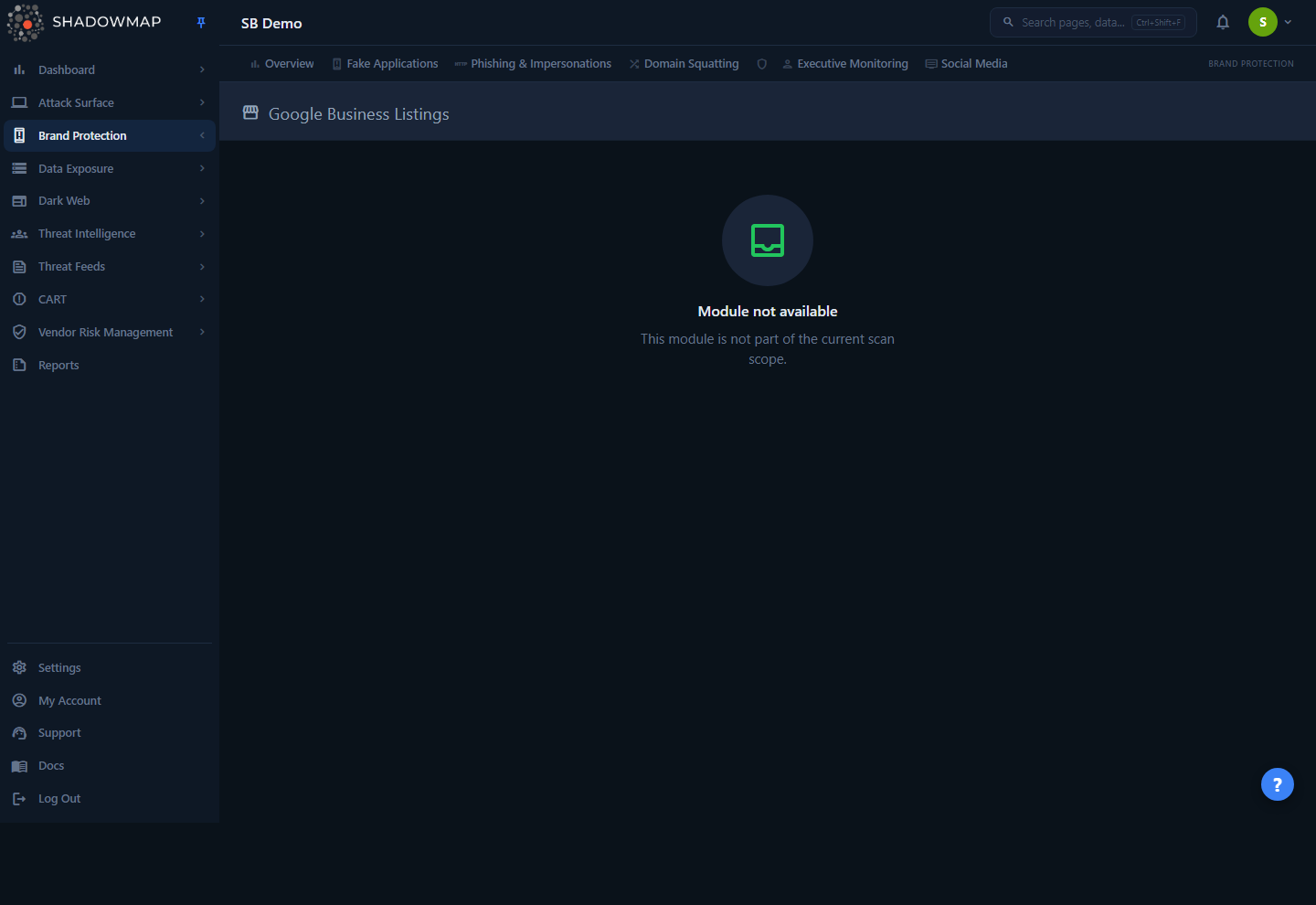
In the current ShadowMap release, Google Business Listings is a placeholder within Brand Protection. Opening it renders a "Module not available — This module is not part of the current scan scope" empty state. There is no list, no detail view, and no data collection running behind it yet.
This page describes the module's intended purpose and how it fits the Brand Protection family so you know what it covers and what to use in the meantime. If brand impersonation via Google surfaces matters to your program today, raise it with your account team — coverage is delivered through the modules listed under In the meantime below.
Overview
Google Business Listings belongs to the Brand Protection family, alongside Fake Applications, Phishing & Impersonations, Domain Squatting, Executive Monitoring, and Social Media. When the module is in scope, it is designed to surface Google Business Profile entries that reference your brand name, trademarks, or locations but are not controlled by your organization — the kind of listing fraud that diverts walk-in customers, support calls, and online traffic to a third party.
In the current build the route is reachable but renders only the standard page-header shell with a single empty state — it is not surfaced as an item in the Brand Protection sidebar. Nothing is collected or scored until the module is activated for your tenant.
How it works
The mechanics below describe the module's intended behavior. Because the module ships as a placeholder, none of this is active in the current release — treat it as the model the feature is being built toward, not behavior you can observe today.
Why this is a distinct threat. A Google Business Profile is the panel that appears on Google Search and Maps when someone looks up a business — name, address, phone number, website, hours, photos, and reviews. Because anyone can create or suggest an edit to a listing, attackers and unscrupulous competitors can:
- Create a duplicate listing for a brand or branch they do not own, then point its phone number and website at infrastructure they control (a classic vector for refund scams, fake "support" lines, and payment redirection).
- Hijack an unclaimed listing for one of your real locations and quietly change the contact details.
- Suggest malicious edits to a legitimate listing you own — swapping the website URL or phone number for a lookalike.
These manipulations sit outside your owned domains and apps, so they are invisible to crawler-based asset discovery. The intent of this module is to monitor the Google surface specifically and flag listings that match your brand identity but fail an ownership check.
Detection model (intended). Listing discovery is keyword- and location-driven rather than domain-driven. ShadowMap's brand keywords and brand-guard configuration — the same terms that drive Domain Squatting and Phishing & Impersonations — would seed searches against Google's business surface. Candidate listings are then triaged on signals such as whether the listing is verified, whether its website and phone number resolve to your owned infrastructure, and how closely the name and address match your known locations. Listings that reference your brand but resolve to unaffiliated contact details are the ones worth a review.
Status and severity (intended). Like the rest of Brand Protection, findings would flow into the shared review workflow — an analyst confirms whether a listing is genuinely yours, a benign coincidence, or an impersonation, and severity reflects how directly the listing diverts customers (a fake "official support" phone number is higher-impact than a stale duplicate pin). For how severity and status work across modules, see Severity & status and the Status workflow reference.
No data collection is running yet
Because the module is not in scope, there is no scan cadence, no record count, and no export for Google Business Listings in the current release. The empty state is expected, not an error or a configuration problem.
What this module is not
To set expectations precisely:
| This module is about | Use this instead |
|---|---|
| Fraudulent Google Business / Maps listings impersonating your brand | (this module — placeholder) |
| Fake mobile apps in app stores using your brand | Fake Applications |
| Phishing pages and impersonation sites | Phishing & Impersonations |
| Look-alike / typosquatted domains | Domain Squatting |
| Fake executive / social profiles | Executive Monitoring and Social Media |
In the meantime: where to look today
Until Google Business Listings is generally available, the adjacent Brand Protection modules cover the most common ways a fraudulent Google listing causes harm — because the damage usually routes through a domain, a phishing page, or a social profile that those modules already see:
- Domain Squatting — catches the look-alike domains a fraudulent listing typically links its "website" to.
- Phishing & Impersonations — flags impersonation pages, including the landing pages a fake listing points customers to.
- Social Media — surfaces unauthorized profiles using your brand on social platforms, the nearest analog to listing impersonation on a non-Google surface.
- Takedowns — once you have confirmed any impersonation finding, the takedown workflow is where you initiate removal. (Google listings are reported through Google's own redressal channels; your account team can advise.)
Want this module turned on?
Activation is handled per tenant as part of your scan scope. Contact your account team or open a support request to discuss adding Google Business Listings coverage to your subscription.
Common questions
Why does the page say "Module not available"? Google Business Listings ships as a placeholder in the current release. The empty state is the module's intended display until coverage is activated for your tenant — it does not indicate a failed scan, a permissions problem, or a bug.
Is there any data behind this page right now? No. There is no list, no record count, no detail view, and no export. No collection runs against the Google Business surface in the current build.
How is this different from Domain Squatting or Phishing? Those modules watch domains and web pages. Google Business Listings is aimed at the Google Business / Maps surface specifically — the business cards that appear in Search and Maps results — where impersonation happens through listing creation and edits rather than through registering a domain. The fraud often still touches a squatted domain or phishing page, which is why the adjacent modules cover most of the impact today.
A fake Google listing is impersonating us right now — what should I do? Use Phishing & Impersonations and Domain Squatting to capture the domain or page the listing points to, then move it through Takedowns. For removing the Google listing itself, report it through Google's listing-redressal process; your account team can help coordinate.
Will I be notified when the module goes live? Module availability is tied to your scan scope. Coordinate with your account team so the change is reflected in your subscription and your notification preferences.
Related
- Brand Monitoring overview — the parent module and the full set of brand-impersonation surfaces ShadowMap monitors.
- Fake Applications — sibling module covering brand abuse in app stores.
- Phishing & Impersonations — impersonation sites and the landing pages fraudulent listings link to.
- Domain Squatting — look-alike domains, the usual "website" behind a fraudulent listing.
- Social Media — unauthorized brand profiles on social platforms, the closest active analog to listing impersonation.
- Takedowns — initiate removal once an impersonation is confirmed.
- Severity & status — how findings are triaged across Brand Protection.