
Stack Overflow Leaks
Developers debugging in production routinely paste stack traces, configuration files, connection strings, and credentials into public Stack Overflow questions. Stack Overflow Leaks monitors that public Q&A corpus for your organization's watchlist keywords and surfaces every post where one appears, with the matching lines pulled out so you can judge the exposure in seconds.
Overview
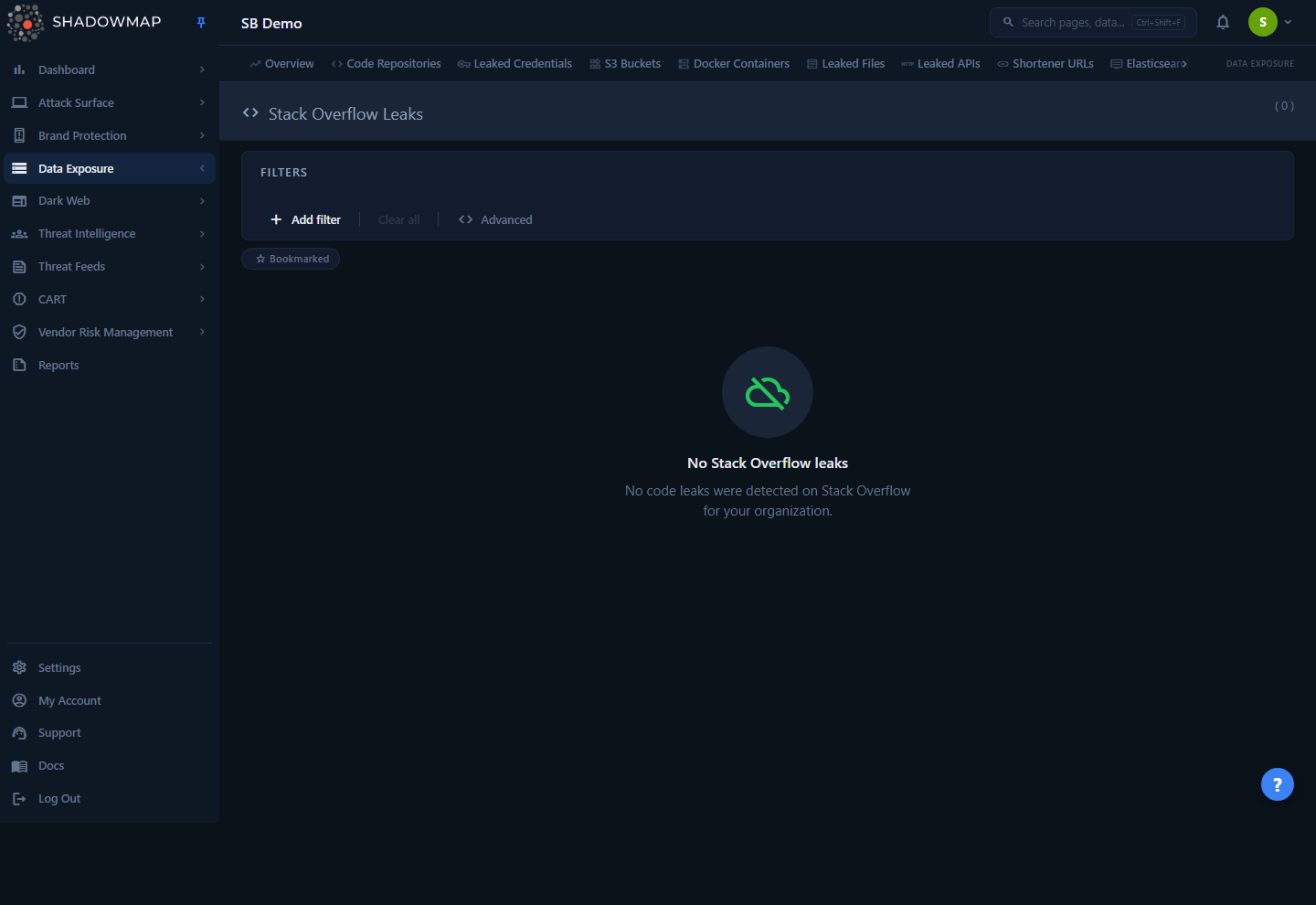
The page is a single ranked list of Stack Overflow posts where one of your monitored keywords was found in the question or answer body. Each result is a card showing the post title, the asker's profile, the excerpt — the lines of the post body that contain your keyword — a risk badge, any pattern-match alerts (such as detected secrets), and engagement metadata (view count, age).
A header count tells you the total number of matched posts. The list is sorted by risk — High results float to the top — so the most sensitive leaks are always the first thing you see.
Where this fits
Stack Overflow Leaks is one of the source-specific feeds inside the Data Leaks module, alongside Code Repositories, Leaked Credentials, S3 Buckets, and others. It covers a leak channel the source-code scanners miss: code and secrets that never get committed to a repo, but instead get pasted into a public developer forum.
How it works
The mechanics below are not visible in the UI but determine what appears on this page and why.
What triggers a match
ShadowMap continuously searches the public Stack Overflow corpus for your organization's watchlist keywords — the same brand terms, internal domains, project codenames, hostname patterns, and identifiers that drive the other Data Leaks feeds. A Stack Overflow post is captured and stored when its body (the question text, or an answer) contains one of those keywords.
When you open the page, ShadowMap reads each stored post's body, splits it line by line, and keeps only the lines that contain your keyword. Those lines become the excerpt shown on the card. If, on re-inspection, none of the post's lines still contain the keyword (for example, the post was edited), that record is dropped from the result rather than shown as an empty card. This is why the card shows the relevant lines rather than the entire — often very long — Stack Overflow thread.
Tune the signal at the source
Because matching is keyword-driven, the quality of this feed depends on your watchlist. A keyword that is too generic (a common English word, a short product name that collides with unrelated terms) will flood the page with irrelevant posts; a missing internal domain or project codename will leave real leaks undetected. Keyword and exclusion management is centralized — work with your ShadowMap team to add internal hostnames and remove noisy terms.
How risk is assigned and sorted
Every matched post carries a server-assigned risk value: High, Medium, Low, or Informational. Risk reflects the sensitivity of what was matched — a post that exposes a credential or an internal hostname is scored higher than one that merely name-drops your brand.
The list is always ordered by risk first (High → Medium → Low → Informational), regardless of date. A brand-new low-risk mention will never push a high-risk credential leak below the fold. Within the page, this ordering is fixed; use the Risk Level filter to narrow to a single tier.
Alerts: pattern matches inside a post
Beyond the keyword that captured the post, ShadowMap runs secondary pattern detections against the matched content and attaches them to the post as alerts. Each alert has its own title, its own risk rating, and the specific matched value(s) that triggered it — for example, an API key shape, a private hostname, or a connection string. A single Stack Overflow post can carry multiple alerts. The alerts table on the card is what turns "your keyword appeared here" into "this specific secret is exposed here," and is usually the fastest way to confirm a genuine leak versus a benign brand mention.
Status and freshness
Stack Overflow matches currently carry a single status, New — this is an evidence feed, not a ticketed workflow with open/closed states. Records are added as ShadowMap discovers new matching posts; the creation_date shown on each card is the post's original publication date on Stack Overflow (rendered as a relative time, e.g. "3 months ago"), not the date ShadowMap found it.
Understanding the data
Each result card shows the following.
| Field | What it tells you |
|---|---|
| Title | The Stack Overflow post title. Where a post URL is available, it links out to the live post on stackoverflow.com (opens in a new tab). |
| Excerpt | The lines of the post body that contain your monitored keyword — exactly the lines that matter, not the whole thread. |
| Risk badge | High, Medium, Low, or Informational — the sensitivity of the match. Drives the list sort order. |
| Status | Currently New for all records (evidence feed). |
| Owner | The Stack Overflow user who posted the question — avatar, display name, and a link to their profile when available. Useful for spotting posts by your own developers. |
| View count | How many times the post has been viewed on Stack Overflow — a proxy for blast radius. A high-view post leaking a secret is more urgent. |
| Age | Relative time since the post was published on Stack Overflow. |
| Alerts table | Secondary pattern matches inside the post. See below. |
The alerts table
When a post triggers one or more secondary detections, an alerts table appears on the card:
| Column | Meaning |
|---|---|
| # | Row index within this post's alerts. |
| Alert | The name of the detection that fired (e.g. the type of secret or sensitive pattern). |
| Risk | Risk rating of that specific alert. |
| Matched | The exact value(s) that matched — shown in monospace so you can read the actual leaked string. |
Treat matched values as live secrets
The Matched column may contain real API keys, tokens, or internal hostnames pulled verbatim from a public post. If a value is a live credential, rotate it — the post is public and indexed by search engines. Surfacing it here does not remove it from Stack Overflow; see Taking action for next steps.
Risk levels
| Risk | Typical meaning |
|---|---|
| High | Strong exposure — a matched credential, secret, internal hostname, or sensitive config tied to your org. |
| Medium | Notable exposure that warrants review but is not an obvious secret leak. |
| Low | Minor mention — your keyword appears, but the surrounding content is unlikely to be sensitive. |
| Informational | Brand or keyword mention with no apparent security impact. |
Filtering and search
Controls sit in the filter bar above the results.
- Risk Level — narrow to one or more risk tiers (
High,Medium,Low,Informational). The fastest way to triage: filter toHighand work down. - Status — filter by status. All current records are
New. - Bookmarked chip — a toggle chip below the filter bar. Click it to show only posts you have bookmarked (star icon); click again to return to the full list. This filter is applied to the loaded results.
Results paginate at 25 per page; use the page controls at the bottom of the list to move through large result sets.
Taking action
Stack Overflow Leaks is a triage and routing surface. From the list you can:
- Open the source post — when the card title is linked, click it to view the live Stack Overflow thread in a new tab and confirm the context.
- Bookmark — click the star on a card (or press
s) to flag a post for follow-up. Filter to bookmarked items with the Bookmarked chip. - Comment — add an internal comment on a post via the comment icon, optionally using a saved comment template, to record your assessment or hand off context to a teammate.
- Assign — select one or more posts (checkbox on each card) and use the Assign action in the bulk bar to route them to a team member or team for remediation; Clear Assignee removes the assignment. This distributes the leak queue across your security team.
- Share — select posts and use Share to push them to a connected integration (for example, a ticketing or chat destination) so remediation happens in your existing workflow. See Sharing & integrations.
Bulk selection and keyboard triage
Select posts with the per-card checkbox, or the select-all checkbox in the results header. Selecting any post reveals the sticky bulk action bar (Assign / Clear Assignee / Share). The page supports keyboard-driven triage — press ? to open the shortcut overlay:
| Key | Action |
|---|---|
j / ↓ | Next row |
k / ↑ | Previous row |
Enter | Open detail |
Space | Toggle selection |
s | Toggle bookmark |
Esc | Close drawer |
? | Toggle the shortcut help overlay |
Remediating the leak itself
ShadowMap surfaces the exposure but cannot delete a third party's Stack Overflow post for you. Once you confirm a genuine leak:
- Rotate any exposed secret immediately — assume every value in the Matched column is compromised the moment it was posted.
- Request removal at the source — if the post was made by your own employee, have them edit or delete it; otherwise use Stack Overflow's content-removal/flagging process.
- Educate the poster — repeat offenders from the same internal team are a sign to reinforce secret-handling practices.
Common questions
Where does this data come from? ShadowMap searches the public Stack Overflow Q&A corpus for your organization's monitored keywords (internal domains, brand terms, project names, hostname patterns) and stores every post whose body contains a match. It does not require any integration with your environment.
Why does a post appear that has nothing to do with a real leak? The match is keyword-driven. If one of your watchlist keywords is generic enough to collide with unrelated discussion, you will see benign posts. The fix is at the keyword level — work with your ShadowMap team to refine or exclude the noisy term. The Alerts table helps you separate genuine secret leaks from coincidental brand mentions quickly.
What's the difference between the keyword match and an "alert"? The excerpt shows why the post was captured — those lines contain your monitored keyword. An alert is a secondary detection run against the post's content, identifying a specific sensitive pattern (such as an API key or internal hostname) with its own risk rating and the exact matched value. A post can be captured by a keyword and carry zero, one, or many alerts.
Why is everything marked "New"? This feed is evidence, not a ticketed workflow. There is currently a single status (New). To track remediation, use bookmarks, comments, and assignment, or push items to a connected integration where your team manages tickets.
Can I export the list? There is no built-in export on this page. To route findings into another system, select posts and use Share to send them to a connected integration.
Does the date shown reflect when ShadowMap found the post? No. The age/timestamp on each card is the post's original publication date on Stack Overflow, not the discovery date.
A post is leaking a live credential — does ShadowMap remove it? No. ShadowMap detects and surfaces the exposure; it cannot delete a third party's public post. Rotate the secret immediately and request removal through Stack Overflow or the original poster. See Taking action.
Related
- Code Repositories — secrets and code committed to public Git repositories. Stack Overflow covers the leaks that never reach a repo.
- Leaked Credentials — exposed username/password pairs tied to your domains, from breaches and stealer logs.
- S3 Buckets and Open Databases — misconfigured public storage and databases.
- Data Leaks Overview — the roll-up across every Data Leaks source feed, including this one.
- Sharing & integrations — push selected findings to ticketing or chat destinations.
- Bookmarks and Comments — the cross-module triage tools used on this page.